Table of Contents
Design trends come and go, but a few genuinely improve how users experience a product. Dark mode, bento grids, and AI-driven interfaces are three that deliver real value when applied with purpose. A skilled UI/UX design company knows which trends to adopt and which to skip, so your product feels modern without becoming gimmicky.
Why UI Trends Matter
Users judge a website or app within seconds. Clear layouts, comfortable visuals, and smart interactions build trust and keep people engaged. The right trend, used well, improves usability, strengthens brand perception, and lifts conversions. The wrong one adds clutter and confusion.
Trend 1: Dark Mode
Dark mode replaces bright backgrounds with deep, muted tones and light text. Once a novelty, it is now an expected feature across operating systems, apps, and websites.
Why it works
- Reduced eye strain: Lower brightness is easier on the eyes in dim environments.
- Battery savings: On OLED and AMOLED screens, dark pixels consume less power.
- Focus and aesthetics: Content and visuals stand out against darker backgrounds, giving a premium feel.
- User choice: Many users simply prefer it, and offering the option signals attention to detail.
How to adopt it well
- Avoid pure black (#000) with pure white text. Use dark greys and soft off-whites to reduce harsh contrast.
- Maintain WCAG contrast ratios for readability and accessibility.
- Adjust brand colors, since saturated shades can vibrate on dark backgrounds.
- Support system-level preferences and offer a manual toggle.
- Test images, icons, charts, and shadows in both modes.
Trend 2: Bento Grids
Inspired by Japanese bento boxes, this layout organizes content into modular tiles of different sizes, each holding a distinct piece of information. Popularized by product pages from major tech brands, bento grids are now common in SaaS, portfolio, and landing page design.
Why it works
- Scannable content: Users grasp key points at a glance without long scrolling.
- Visual hierarchy: Larger tiles highlight priorities, while smaller ones support them.
- Flexibility: Cards combine text, icons, illustrations, stats, and micro-animations.
- Responsive by nature: Modular blocks reflow neatly across desktop, tablet, and mobile.
How to adopt it well
- Keep one clear idea per tile.
- Use consistent spacing, corner radii, and alignment.
- Prioritize the most important message in the largest block.
- Avoid overcrowding. White space keeps the grid clean.
- Ensure tiles stack logically on smaller screens.
Trend 3: AI in Interface Design
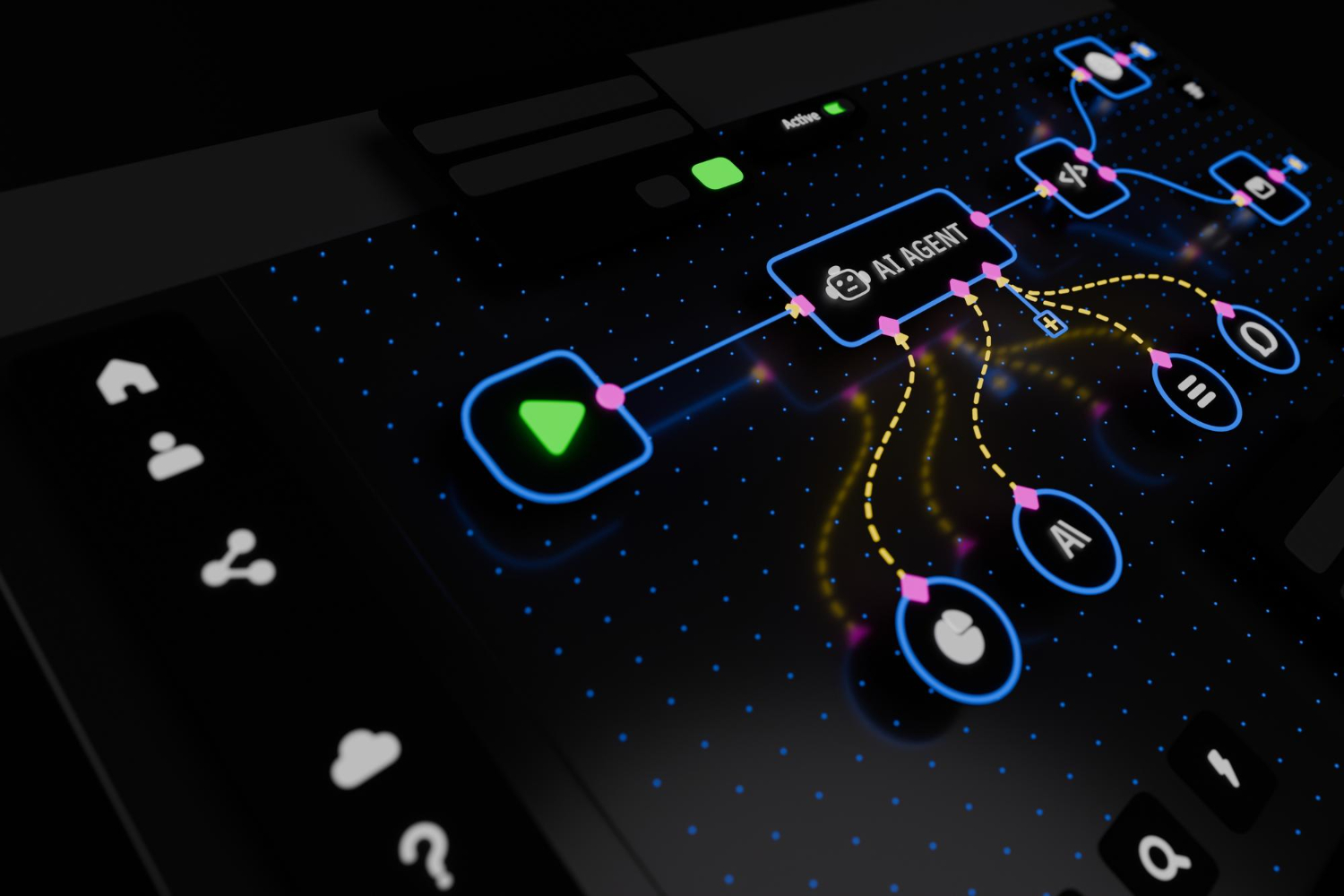
AI is reshaping both how interfaces are designed and how users interact with them.
For users
- Personalization: Dashboards, recommendations, and content adapt to behavior and preferences.
- Conversational interfaces: Chat assistants and smart search reduce effort and speed up task completion.
- Predictive actions: Auto-suggestions, smart forms, and contextual prompts save time.
For designers
- Faster research synthesis, wireframing, and prototyping
- Quicker variations for A/B testing
- Automated accessibility checks and design consistency audits
How to adopt it well
- Use AI to solve real user problems, not to add a feature for its own sake.
- Be transparent when users are interacting with AI.
- Give users control, including the ability to edit, undo, or opt out.
- Protect user data and respect privacy.
- Keep human judgment at the center of design decisions.
Trends to Adopt vs. Trends to Avoid
Not every trend suits every brand. Before adopting one, ask:
- Does it solve a real user need?
- Does it fit our audience and industry?
- Does it maintain performance, accessibility, and clarity?
- Will it remain relevant beyond a single season?
If the answer is no, skip it. Good design is purposeful, not decorative.
Why Work with a Professional UI/UX Design Company
Trends are easy to copy but hard to apply effectively. An experienced UI/UX design company combines user research, usability testing, visual design, and development-ready handoff to turn trends into measurable results. Professional UI UX design services in Chennai also bring local market understanding, helping brands design for Indian users’ devices, languages, behaviors, and expectations.
A strong design partner delivers:
- User research and persona development
- Wireframes, prototypes, and design systems
- Responsive, accessible interfaces
- Usability testing and iterative improvement
- Close collaboration with developers for smooth implementation
What to Look for in the Best UI/UX Design Companies in Chennai
Chennai has a thriving design community, but quality varies. When shortlisting the best UI/UX design companies in Chennai, evaluate:
- Portfolio depth: Look for case studies showing process and outcomes, not just polished screens.
- Research-driven approach: Great design starts with understanding users.
- Industry experience: Familiarity with your sector speeds up results.
- Accessibility and performance focus: Beautiful designs must also be usable and fast.
- Collaboration and communication: Clear timelines, regular reviews, and transparent feedback loops.
- Post-launch support: Design evolves with user data, so ongoing optimization matters.
Ask for client references and measurable results such as improved conversions, lower bounce rates, or higher retention.
Final Thoughts
Dark mode, bento grids, and AI-powered experiences are more than passing fads. When applied thoughtfully, they make products more comfortable, clearer, and more intelligent. The key is choosing trends that serve your users and your brand goals.
If you are planning a redesign or a new digital product in 2026, partner with a trusted UI/UX design company that blends creativity with data. Explore professional UI UX design services in Chennai, compare the best UI/UX design companies in Chennai, and build an experience your customers love to use.